Action Plan LinksAction Plan Links
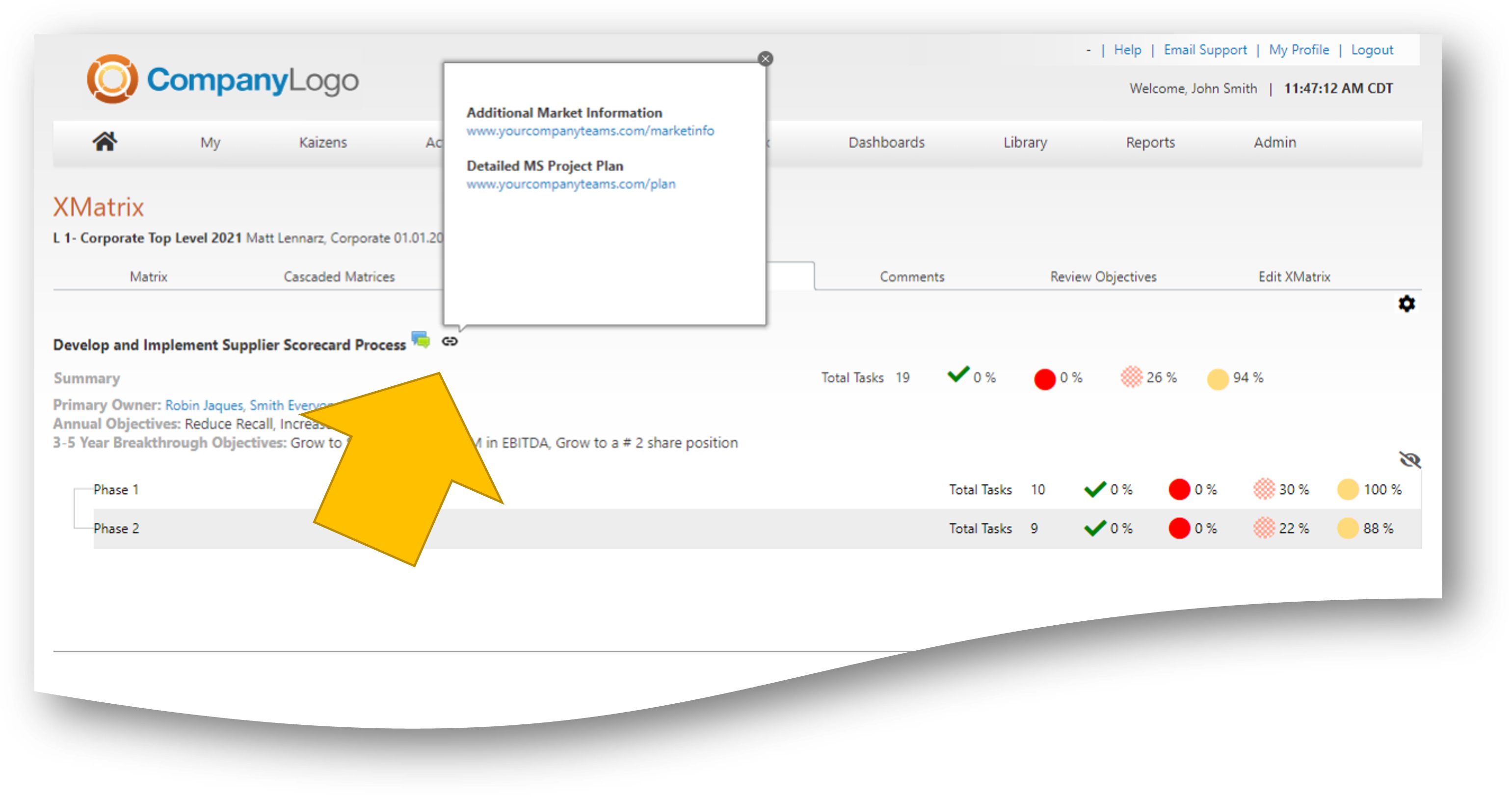
The links functionality provides the Action Plan owner with the ability to link to additional content relevant to the action plan. Links will appear in the XMatrix and other review screens and provide a seamless way to navigate from the Optimizer to outside content.
Best Practices:
If you anticipate showing additional information during a review, relevant to your XMatrix, include the link to ensure a seamless transition
If your action plan has detailed project plans, being successfully managed in MSProject or other tools, provide a link rather than duplicating the tasks in the Optimizer
|
|
Click |
Visual |
|
Link Tab |
From the link tab, click "add links", name your link and provide the full web address. To reduce error, navigate to the link, copy and paste into the Optimizer field, click save changes.
Links can be removed by clicking the "X" |
|
|
Summary Tab |
The links will appear at the bottom of the Action Plan Summary View |
|
|
XMatrix Action Plan Tab |
The links will appear with the Action Plan on the XMatrix Action Plan tab |
|
|
XMatrix North Priority Review |
The links will appear with the Action Plan on the North Priority Review tab |
|
LeanOptima ©2023